Wallets
Add a public address on Solana, Ethereum, Bitcoin, XRP Ledger, Stellar, Dogecoin, Tron, or TON and see its balances and holdings, with no private key shared. More networks are in development.
- Public addresses
- No private keys


Privacy-first crypto portfolio tracking
One clear view across supported wallets, exchanges, NFTs, and DeFi, from the Mac menu bar to your iPhone and iPad. Read‑only, so it shows your balances and can never move funds.

$6.99 one-time purchase.
One purchase covers Mac, iPhone, and iPad.
Mac at heart. With you everywhere.
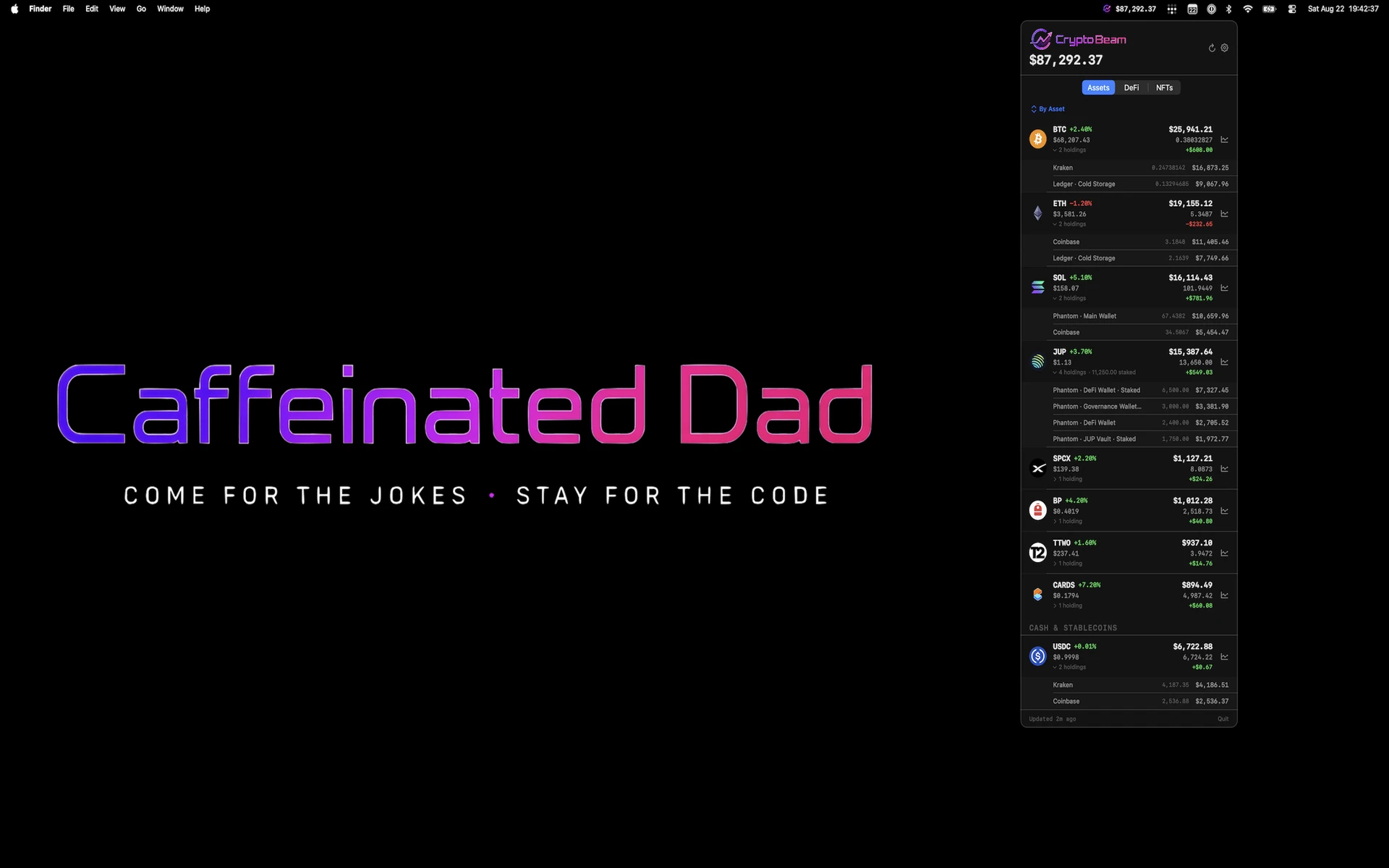
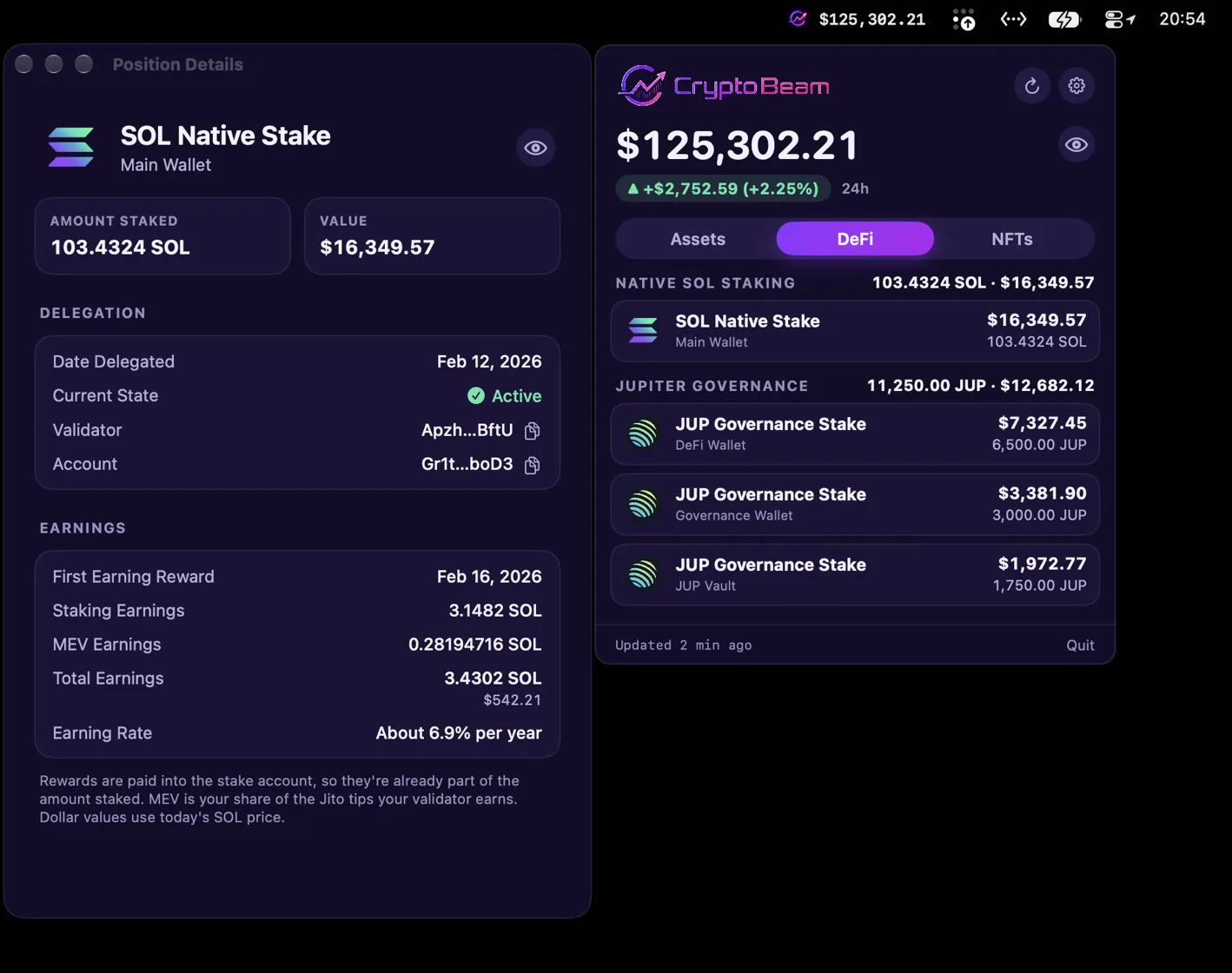
CryptoBeam began as a Mac menu-bar portfolio tracker: one click to see what you hold, then back to whatever you were doing. It still works that way, and a token or a DeFi position opens in its own window for the details.
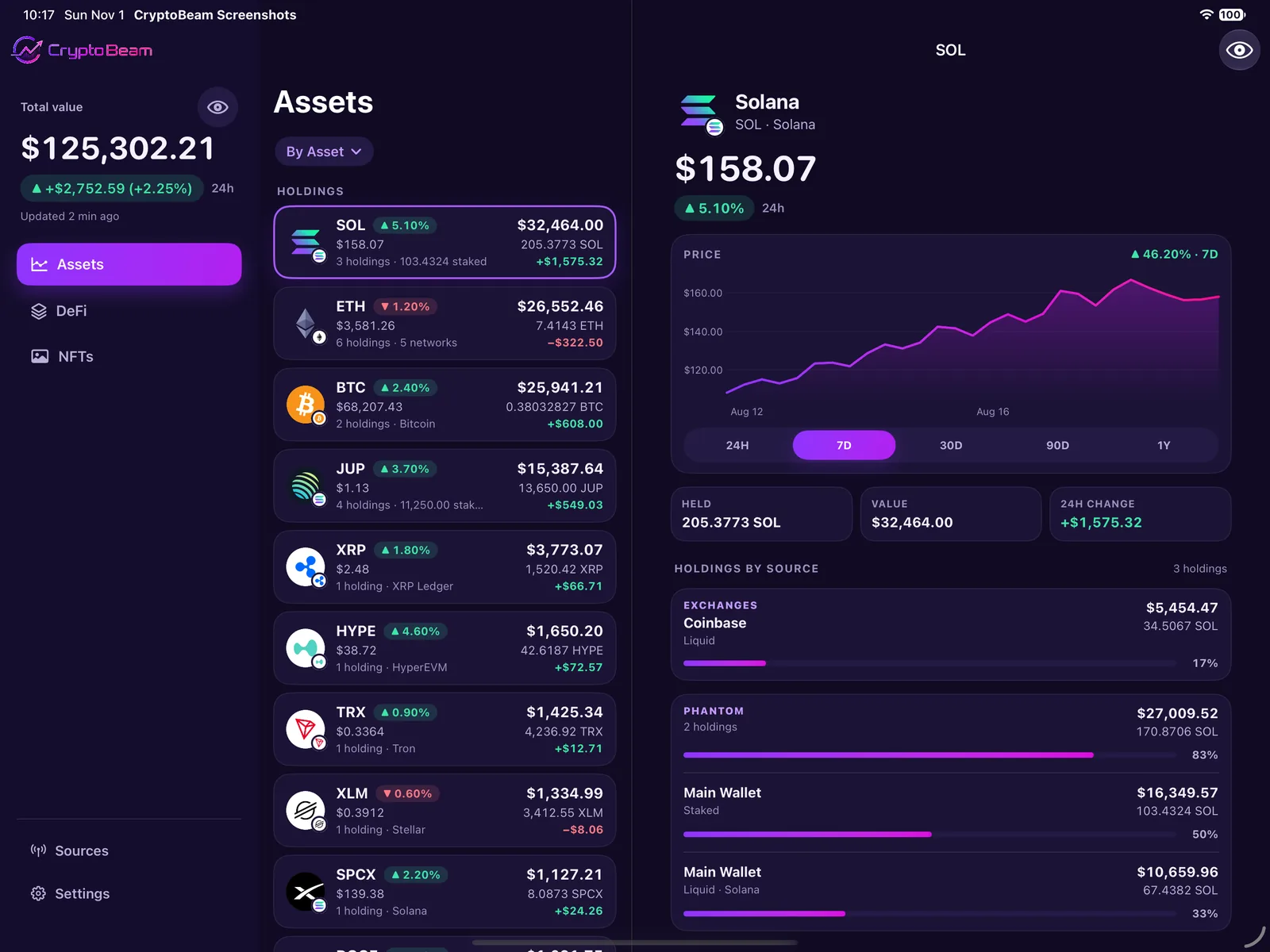
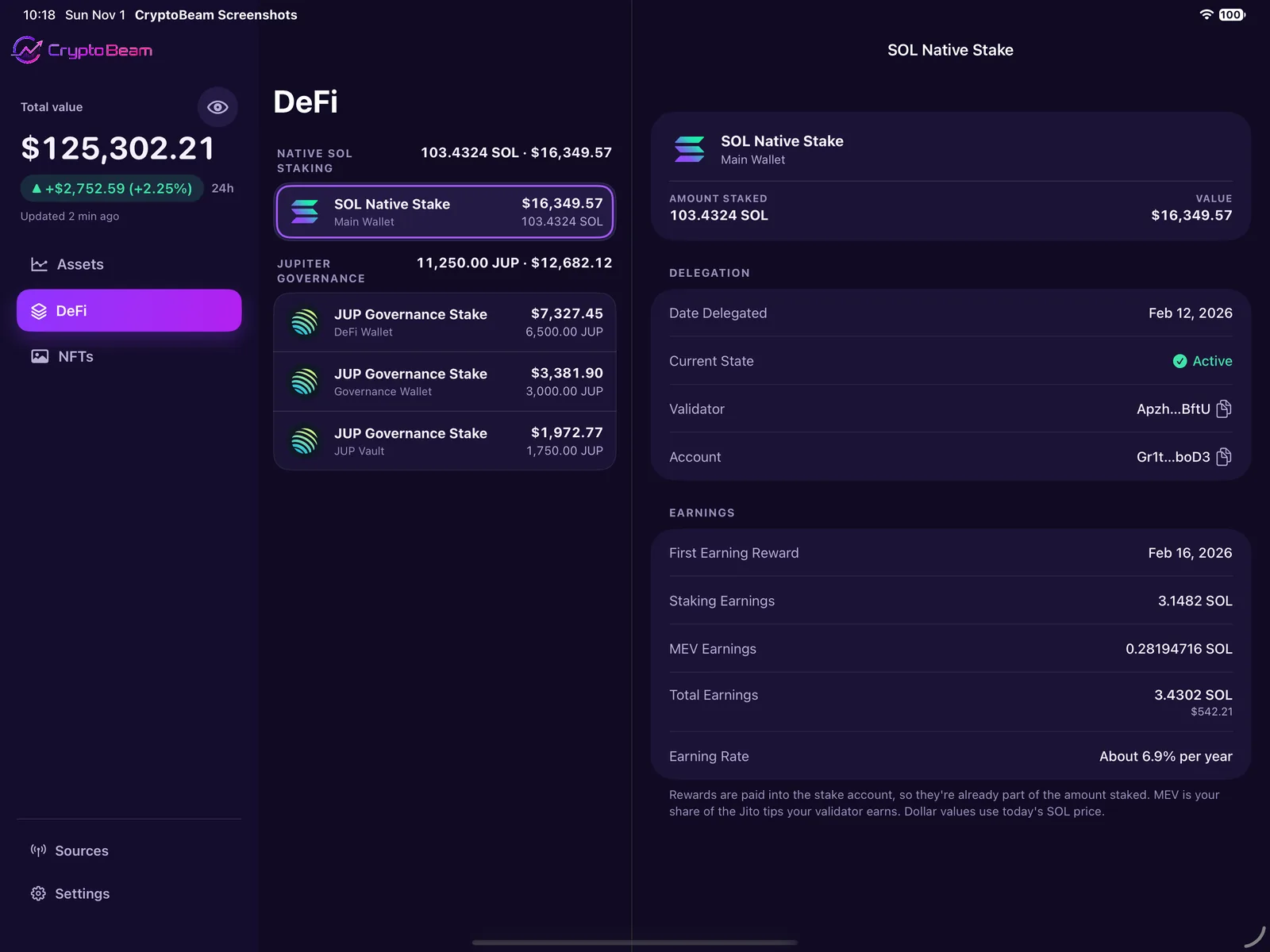
Its iPhone and iPad apps bring that same private portfolio view to the rest of your Apple devices. Give it a wide window, on iPad or iPhone Duo, and the portfolio spreads into two or three columns, with details beside the list.
It is still built by one independent developer, after bedtime, with grit, willpower, and a ridiculous amount of coffee. Your purchase helps keep the updates coming. Consider it a digital buy-me-a-coffee.
What do I actually own?
Add a public address on Solana, Ethereum, Bitcoin, XRP Ledger, Stellar, Dogecoin, Tron, or TON and see its balances and holdings, with no private key shared. More networks are in development.
Connect Kraken or Coinbase with read‑only API access. Balances come in. Trading, transfer, and withdrawal permissions stay out. Your credentials stay on your device.
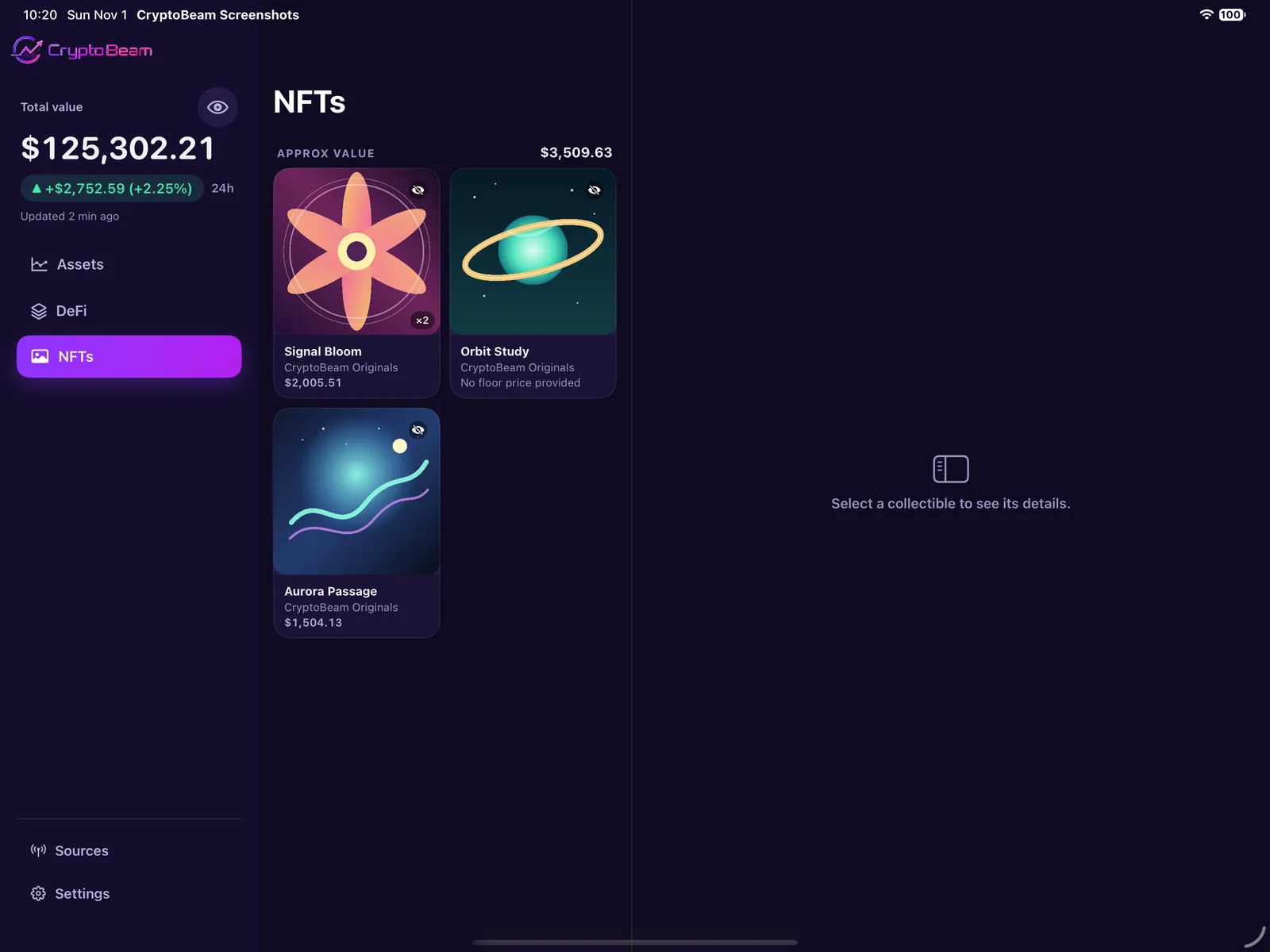
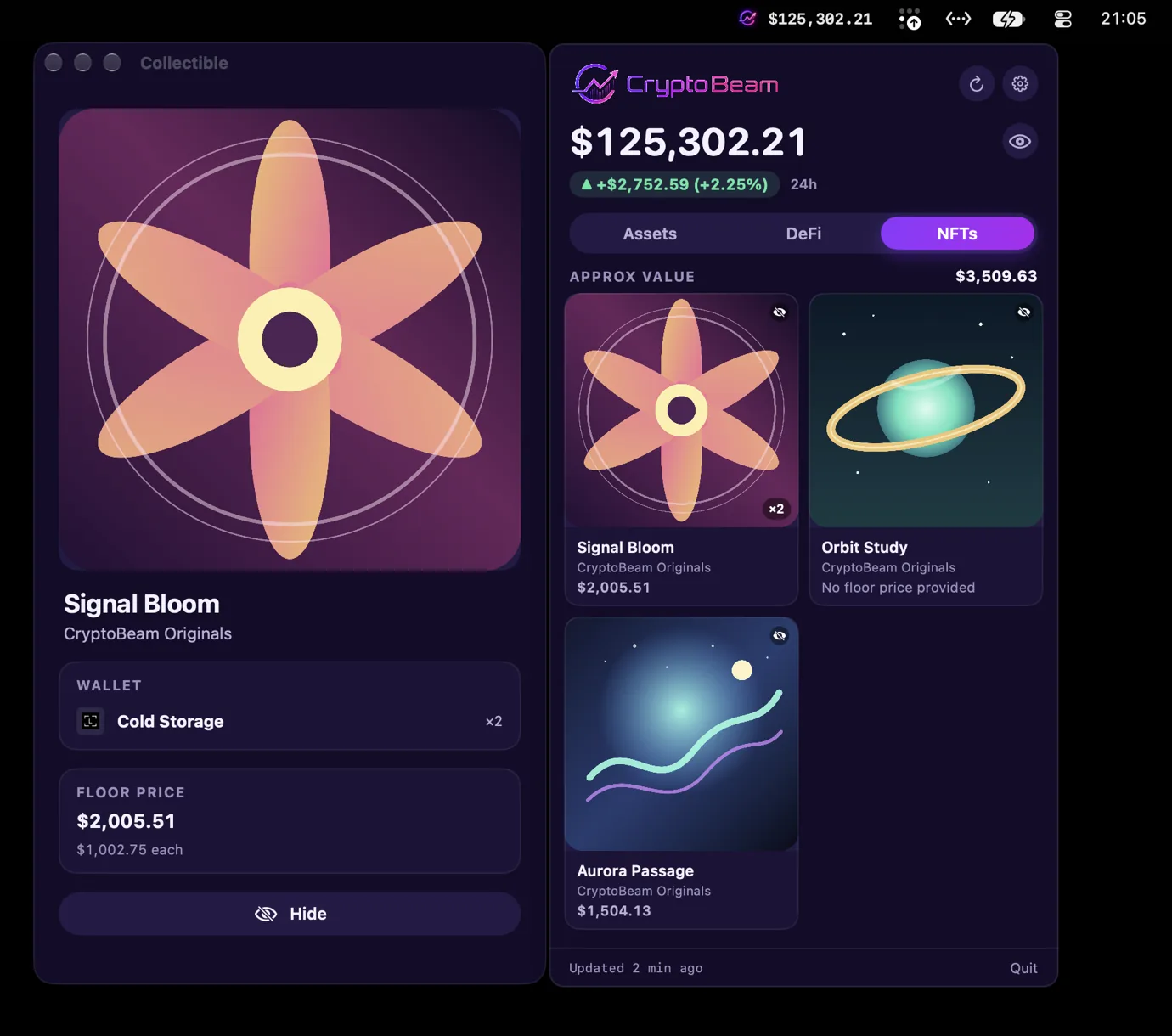
See your NFT collections alongside the rest of your portfolio, from the wallet addresses you already track.
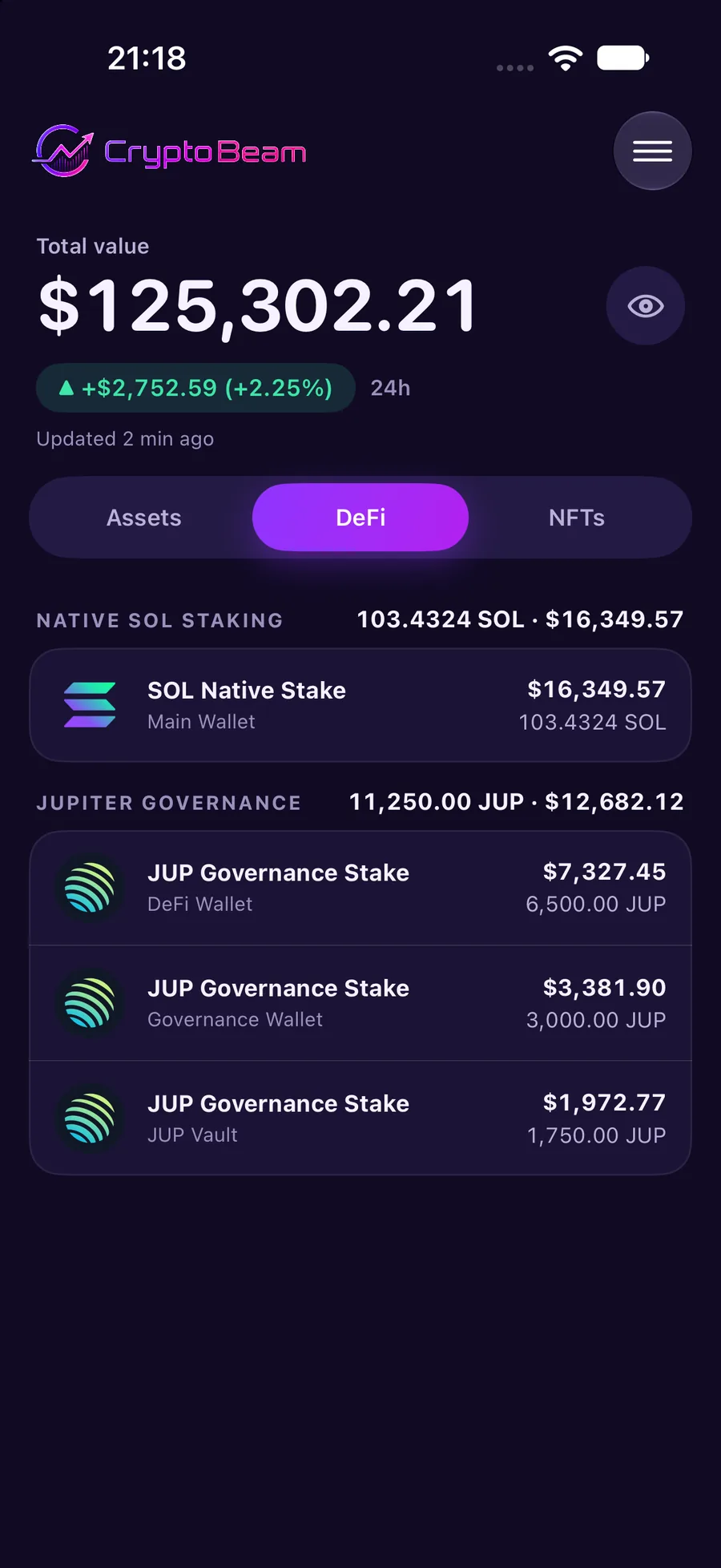
Jupiter Governance stakes, with their lock and unstaking states, and native SOL staking. View them without custody or transaction-signing access.
Your total shows its 24-hour change and how much of your portfolio that change covers. Many holdings show a change of their own, so you can tell what moved.
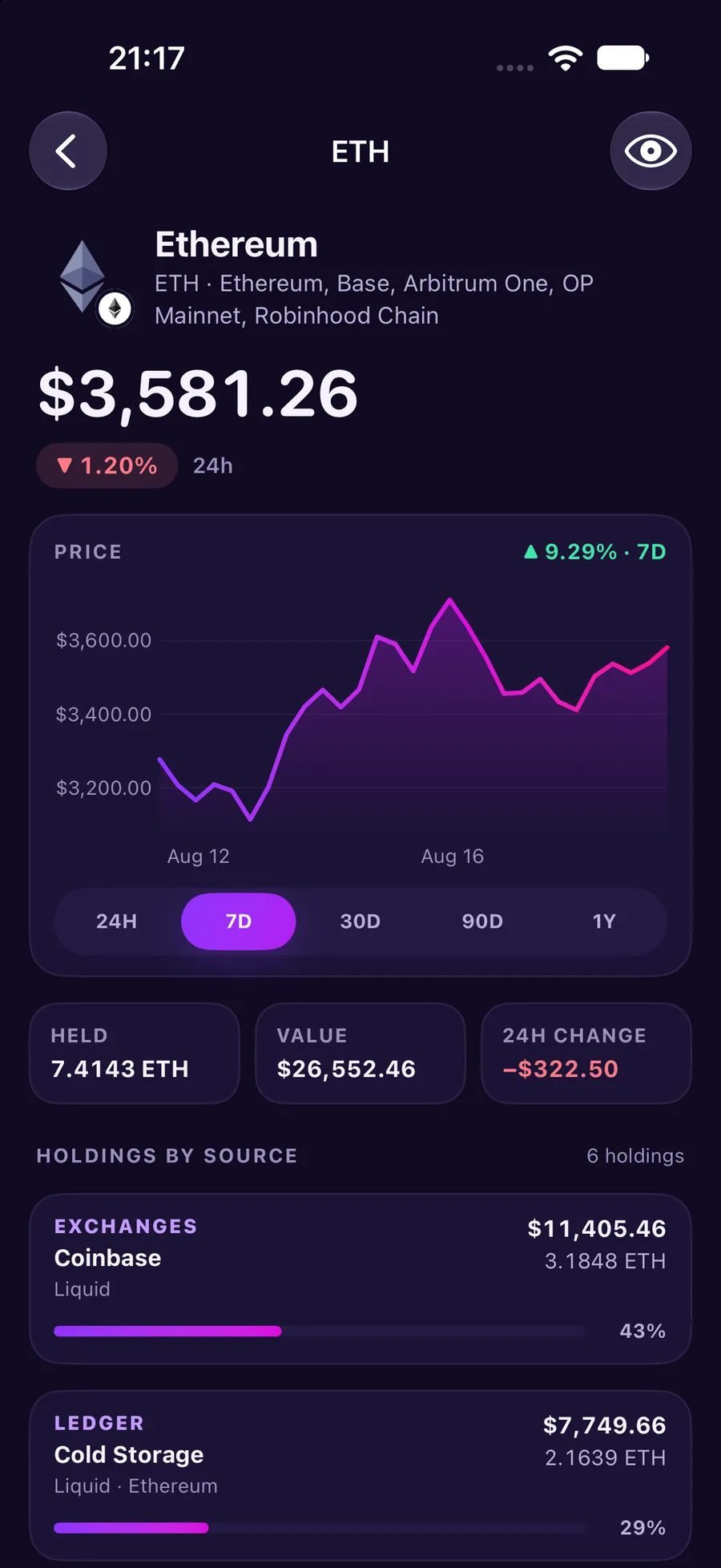
Open a token for its price and 24-hour change, the price chart, tiles for what you hold, and each source with its share.
A closer look
Portfolio, token details, DeFi positions, and NFTs, on iPhone, iPad, and Mac. Select any screenshot for a larger view.
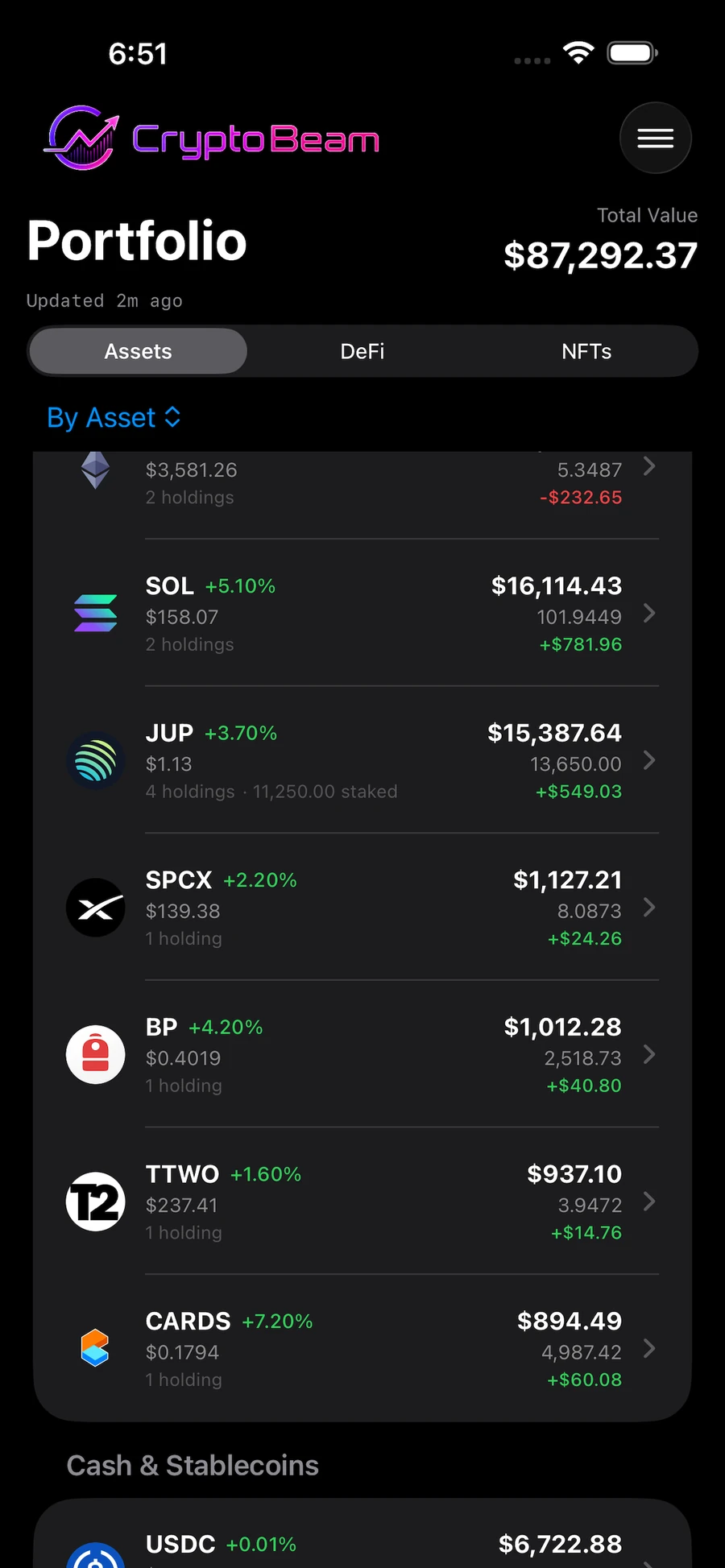
Your total and your holdings on cards, with the details one tap away.
A wide window, on iPad or iPhone Duo: the list and the details side by side.
The menu bar panel, with detail windows when you want them.
Designed differently, on purpose
There is no CryptoBeam backend. The app talks only to the providers you configure, and iCloud sync runs through your personal Apple account. CryptoBeam never asks for seed phrases, wallet private keys, or transaction-signing access.
Want a lock on top? Turn on Require Face ID in Settings on iPhone or iPad, and CryptoBeam asks for Face ID, Touch ID, or your passcode when you open or come back to the app.
Read the Privacy Policy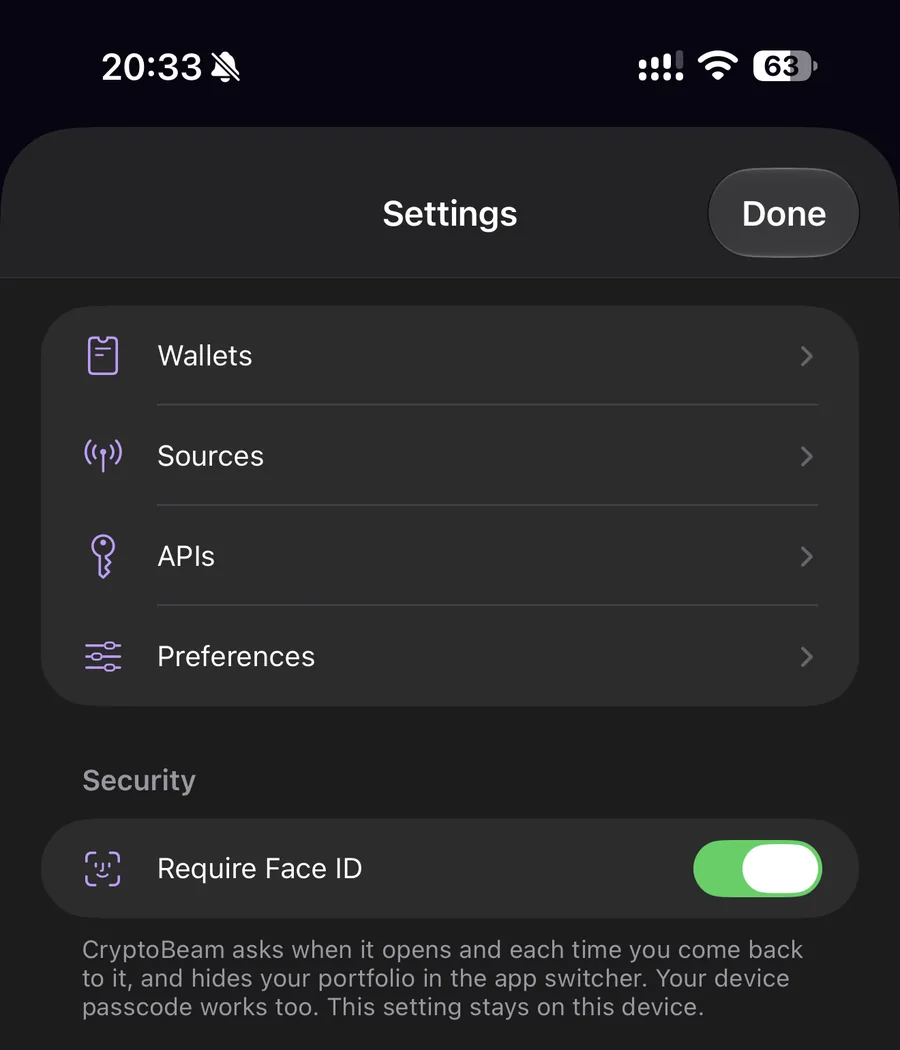
Available now on the App Store
$6.99 once. Mac, iPhone, and iPad. One purchase.
Requires iOS 18.6 or later, iPadOS 18.6 or later, or macOS 26.0 or later.